January 20, 2026
Security cameras are essential for protecting businesses, employees, and assets. When implemented effectively, commercial security systems can deter theft, monitor activity, and provide evidence in the event of an incident. However, even small mistakes in setup, placement, or management can compromise their effectiveness. Understanding common pitfalls and addressing them early ensures that your system delivers reliable protection and keeps your business safe. In addition, with the increasing sophistication of criminal tactics, having a well-planned security camera setup is no longer optional—it is essential for risk mitigation and protecting your bottom line.
1. Placing Cameras in Ineffective Locations
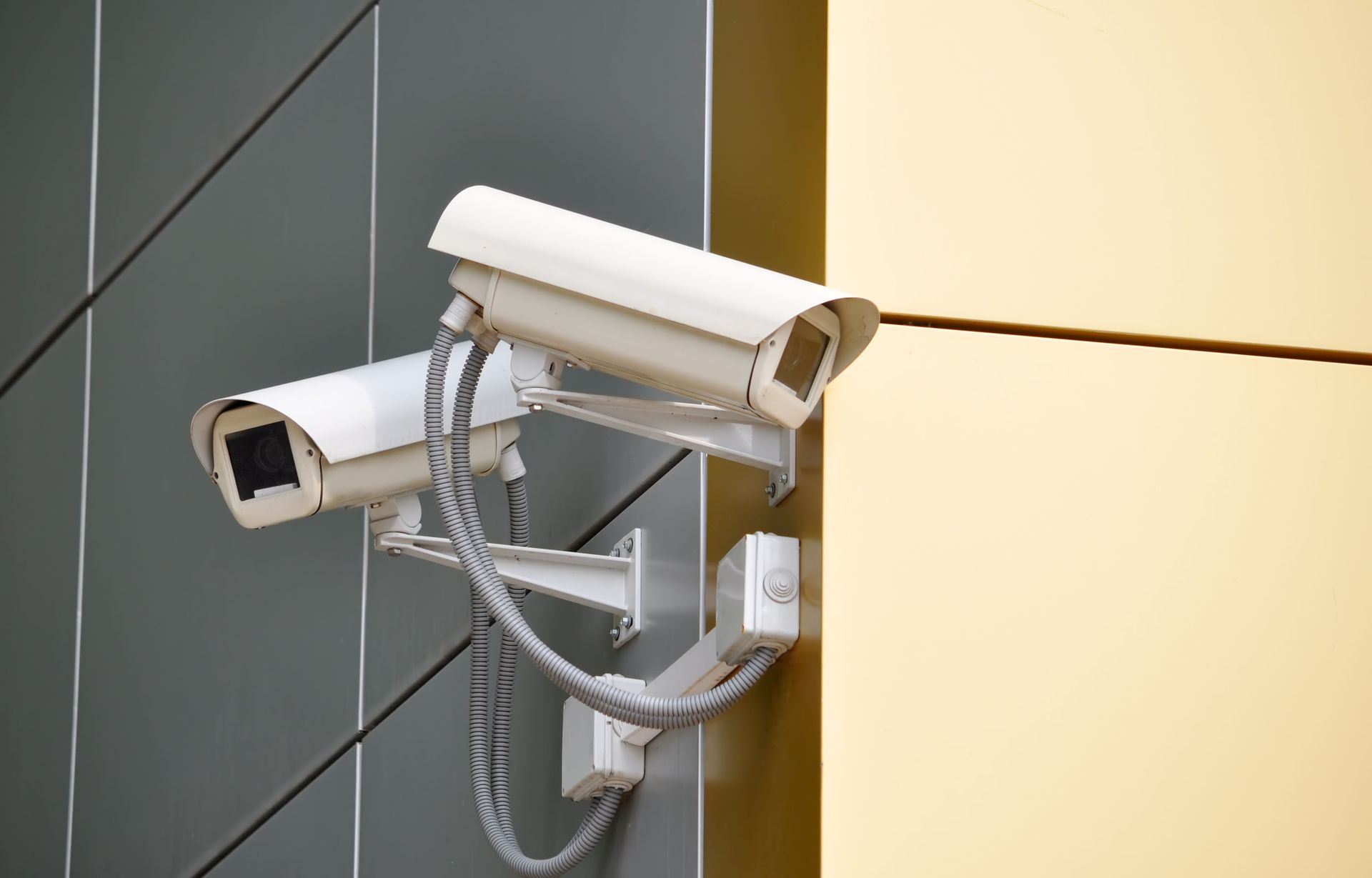
One of the most frequent mistakes businesses make is positioning cameras where they cannot capture critical activity. Blind spots, poorly lit areas, or high-traffic zones that are overlooked can leave your business vulnerable. Experts in commercial security systems emphasize the importance of mapping out areas that require constant monitoring and positioning cameras accordingly. Strategic placement requires careful consideration of entrances, exits, parking lots, and areas where high-value items are stored.
Proper placement maximizes coverage and reduces the need for additional units. It also ensures that cameras capture clear images for evidence or review. Professionals can assess your property layout and recommend optimal camera angles that cover entrances, exits, and vulnerable areas without being obstructed by objects or structural elements. Businesses often underestimate the impact of obstructions like overhanging signage, shelving, or landscaping, which can hide critical activity from cameras. Planning with a security consultant ensures all blind spots are identified and mitigated, allowing each camera to serve its intended purpose fully. Additionally, positioning cameras at the correct height is important. If it's too low, they can be tampered with, too high, facial features may be difficult to capture.
2. Ignoring Lighting Conditions
Lighting plays a critical role in the effectiveness of security cameras. Cameras in areas with too little light, strong backlighting, or frequent glare can produce grainy or washed-out footage. This can compromise the ability to identify people or incidents, even with high-resolution cameras. Poor lighting can also increase the likelihood of motion blur or distorted images, particularly when cameras are trying to capture fast-moving subjects like vehicles or individuals.
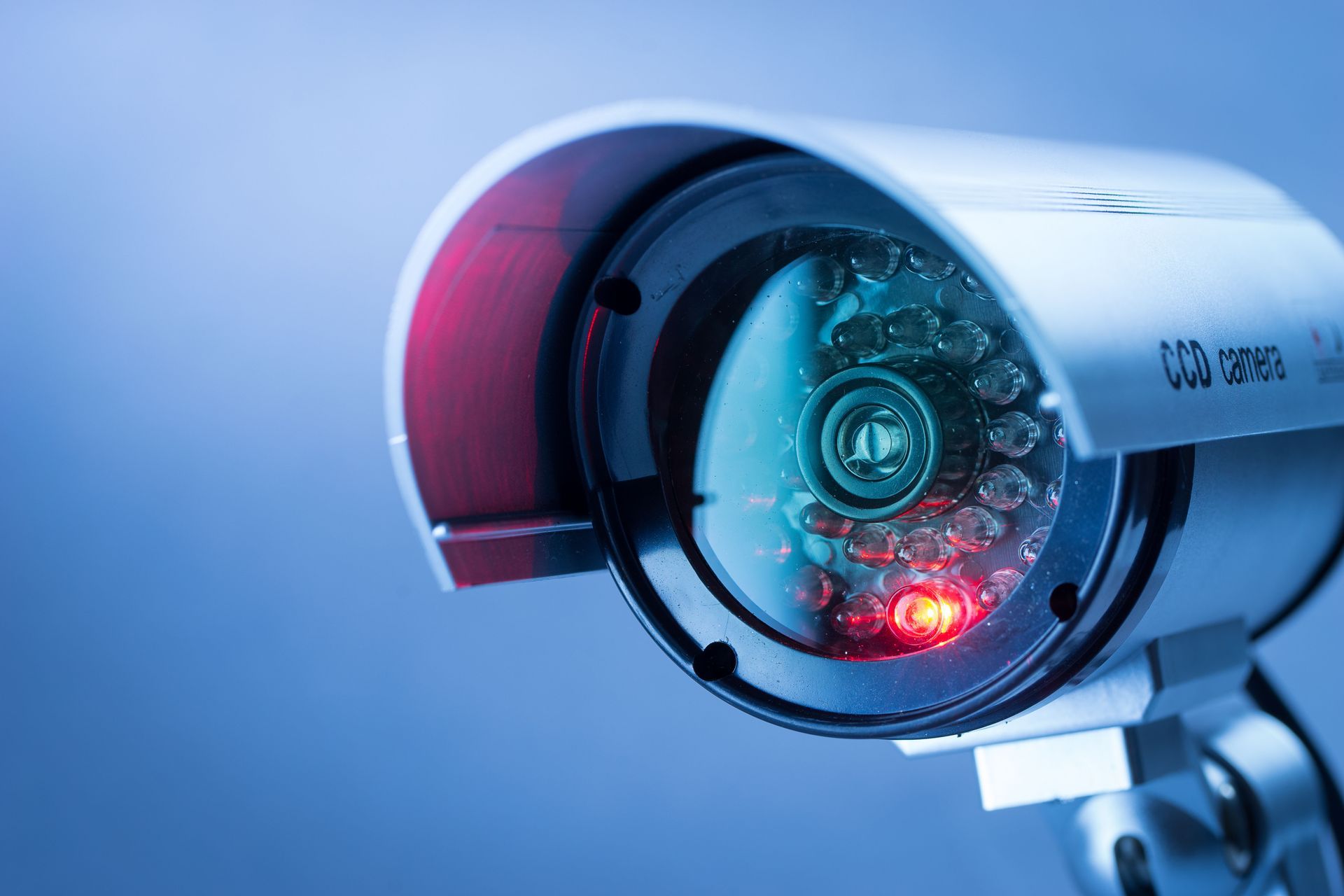
Commercial security systems providers can recommend cameras with features like infrared night vision, wide dynamic range, or low-light capabilities. Adjusting lighting in key areas or installing supplemental lighting ensures that cameras capture clear, actionable footage at all times. Some businesses benefit from motion-activated lighting to reduce energy consumption while providing adequate illumination for cameras during periods of activity. By considering how lighting changes throughout the day and during different seasons, businesses can maintain consistent visibility year-round, which is crucial for both real-time monitoring and post-event investigations.
3. Failing to Maintain Equipment
Over time, cameras and related hardware can accumulate dust, suffer from weather exposure, or experience technical malfunctions. Ignoring routine maintenance often leads to blurry footage, connectivity issues, or complete failure, undermining the value of your commercial security systems. Environmental factors such as rain, wind, and temperature fluctuations can accelerate wear on cameras, especially those installed outdoors or in exposed areas.
Regular professional inspections help identify worn cables, dirty lenses, or outdated firmware that can affect performance. Keeping equipment maintained ensures consistent operation and prevents unexpected downtime, maintaining the integrity of your surveillance efforts. Maintenance may include cleaning lenses, verifying power connections, updating software, and testing backup systems. Businesses that schedule routine maintenance are more likely to have cameras that capture clear images and function reliably under all conditions. Maintenance also allows technicians to identify small problems before they become major issues, saving businesses money in the long run.
4. Using Outdated Technology
Technology evolves rapidly, and older cameras may not provide the image clarity or features needed for modern security challenges. Businesses that rely on outdated equipment may struggle with low-resolution footage, limited storage, or compatibility issues. As the security camera market grows—estimated to reach USD 3.85 billion at a CAGR of 12.1% between 2024 and 2029 according to technavio—businesses face increasing options and innovations. This growth reflects both rising demand and the pace of technological advancement, making it even more critical to update systems regularly.
Commercial security systems providers can recommend updated models that integrate with existing infrastructure while offering enhanced features like motion detection, remote monitoring, and higher resolution. Upgrading technology ensures that your surveillance system keeps pace with emerging threats and security requirements. Additionally, new cameras may offer analytics tools such as facial recognition, object tracking, or real-time alerts, which can significantly improve response times and overall security efficiency. By investing in modern equipment, businesses can leverage features that older systems cannot provide, ultimately reducing risks and improving the ability to respond to incidents promptly.
5. Neglecting Remote Monitoring Options
Modern commercial security systems often include remote access, allowing managers to monitor activity from anywhere. Businesses that ignore this feature may miss opportunities to respond quickly to incidents or review footage in real-time. Remote monitoring is particularly useful for multi-location businesses, allowing centralized oversight of multiple sites without needing staff physically present at each location.
Professionals can configure remote access securely, enabling authorized personnel to view live or recorded footage from smartphones, tablets, or computers. Remote monitoring enhances situational awareness and improves response times without compromising security protocols. Security personnel can receive alerts instantly, allowing them to act immediately in the event of suspicious activity. Integrating remote access with other system features, such as alarms or access control, provides a more comprehensive view of security events and ensures that decision-makers have the information needed to respond effectively.
6. Overlooking Storage and Backup Needs
Insufficient storage can prevent retention of critical footage, leaving businesses without evidence in the event of theft or vandalism. Failing to implement reliable backup solutions is another common mistake. Many businesses underestimate the amount of data high-resolution cameras generate, resulting in overwritten or lost footage before it can be reviewed.
Commercial security systems specialists design storage solutions that balance video quality, retention periods, and access requirements. Cloud storage, network video recorders, and redundant systems ensure that footage is safely preserved and easily retrievable when needed. A well-planned storage strategy also considers data security, protecting footage from unauthorized access or corruption. By coordinating storage capacity with surveillance goals, businesses ensure that recordings are available for investigations, compliance, or insurance purposes without compromising image quality.
7. Having Poor Network Security
As security cameras increasingly rely on internet connections, weak network security can leave systems vulnerable to hacking or unauthorized access. This can compromise the safety of your business and sensitive data. Cyberattacks can disable cameras, manipulate footage, or expose sensitive information about business operations.
Working with experts ensures that firewalls, encryption, and password protocols are properly implemented. Regular audits and updates reduce vulnerabilities and protect the integrity of your commercial security systems against digital threats. Network security also involves segmenting the security system from general business networks, minimizing exposure to malware or other online risks. Comprehensive security includes monitoring access logs and using authentication methods to ensure that only authorized personnel can interact with the system, keeping both physical and digital assets safe.
Security cameras are a vital component of any business’s protection strategy, but mistakes in placement, maintenance, or integration can compromise their effectiveness. By addressing common pitfalls with the guidance of commercial security systems experts, businesses can enhance safety, ensure clear footage, and protect assets efficiently. Investing in professional guidance ensures that cameras, storage, network security, and staff training are all optimized to work together seamlessly. If your business is seeking reliable installation or consultation, contact Milton Tech Commercial Security Systems to evaluate your current setup and implement solutions tailored to your needs.